Make animated shorts from a script
One script becomes a vertical short that fits YouTube Shorts, TikTok and Instagram Reels: 1080×1920, captions placed clear of the app buttons, voiceover and music mixed to platform loudness.
Built to the platform specs
| What you get | Why it matters | |
|---|---|---|
| Size | 1080×1920, 9:16, 30 fps | Full screen on every phone, no black bars |
| Length | 10 to 90 seconds, set by your script | Short enough to watch to the end and loop |
| Captions | Burned in, word-timed, plus an SRT file | Most people scroll with the sound off |
| Safe zone | Text kept out of the top 11%, bottom 22% and right edge | Usernames, captions and buttons never cover your words |
| Audio | Voice, music and sound effects mastered to -14 LUFS | Not too quiet or too loud next to other videos |
| Extras | Cover image and a post caption with hashtags | Ready to upload without opening another app |
Shorts that hold attention
The AI follows the few rules that matter on every short-video app: open strong in the first two seconds, one idea per scene, captions short enough to read, and a call to action only when your script has one. Everything else (scene count, order and length) is planned for your script.
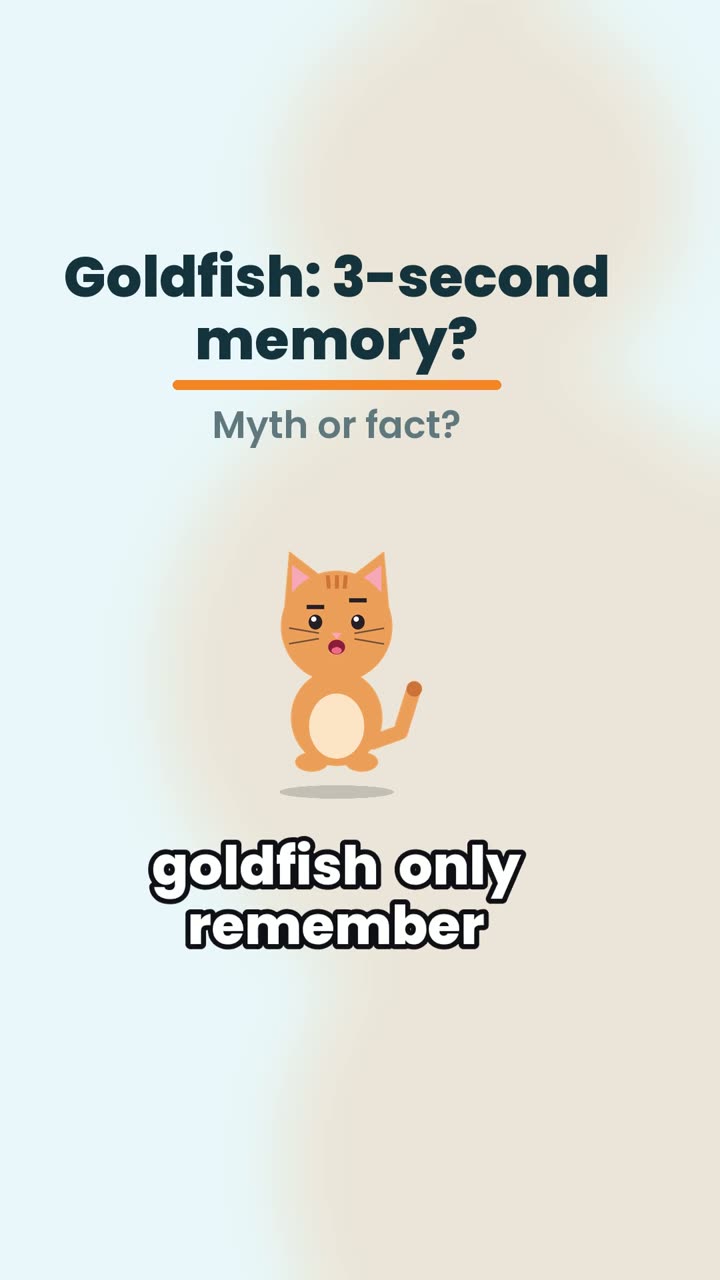
Formats that suit shorts well: quizzes that pay off at the end, myth vs fact reveals, numbered tips and story series that end on "part two tomorrow".
One file for three apps
The same MP4 uploads to YouTube Shorts, TikTok, Instagram Reels and Facebook Reels. Post it natively on each app rather than sharing a link, and use the suggested caption as a starting point for each platform's own tone.
Real reels made this way
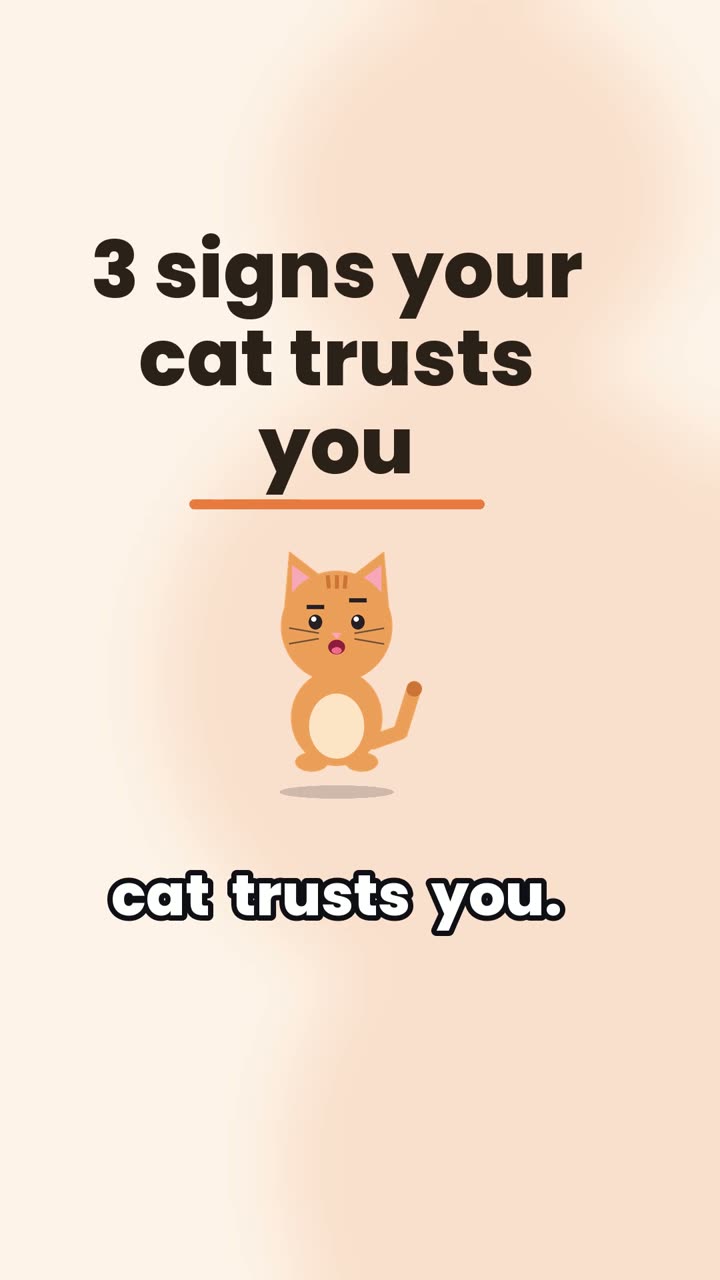
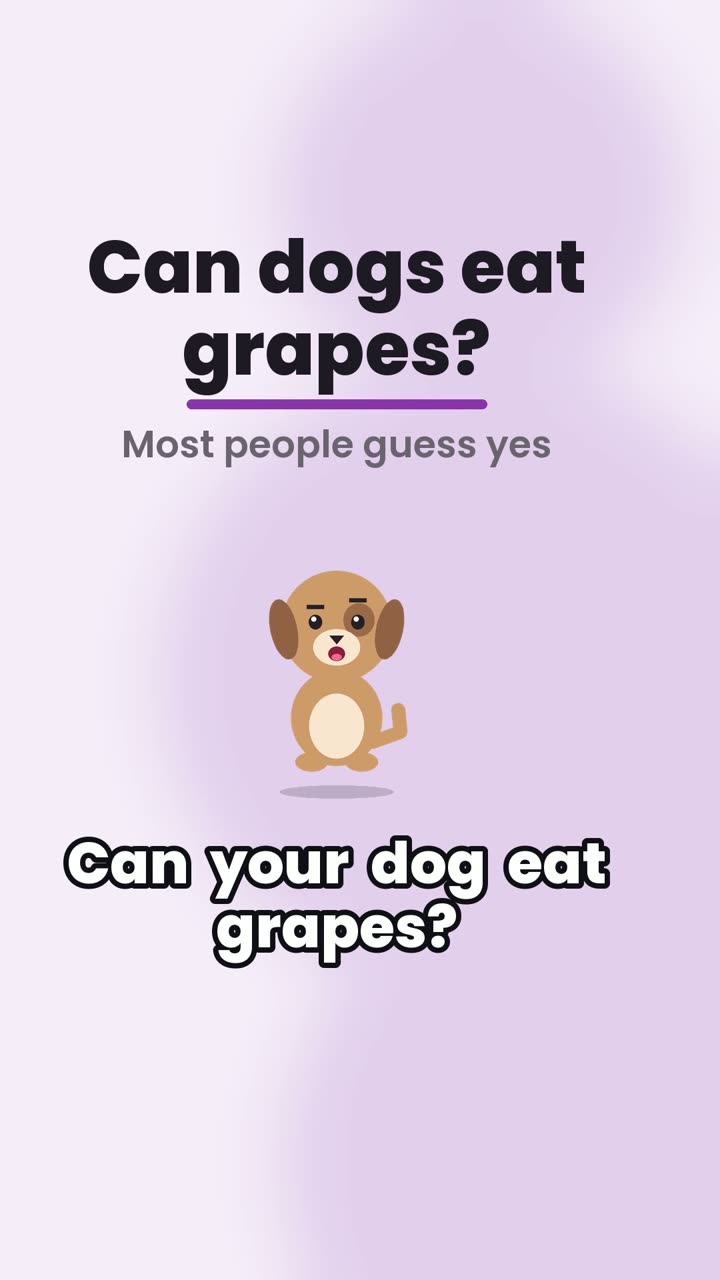
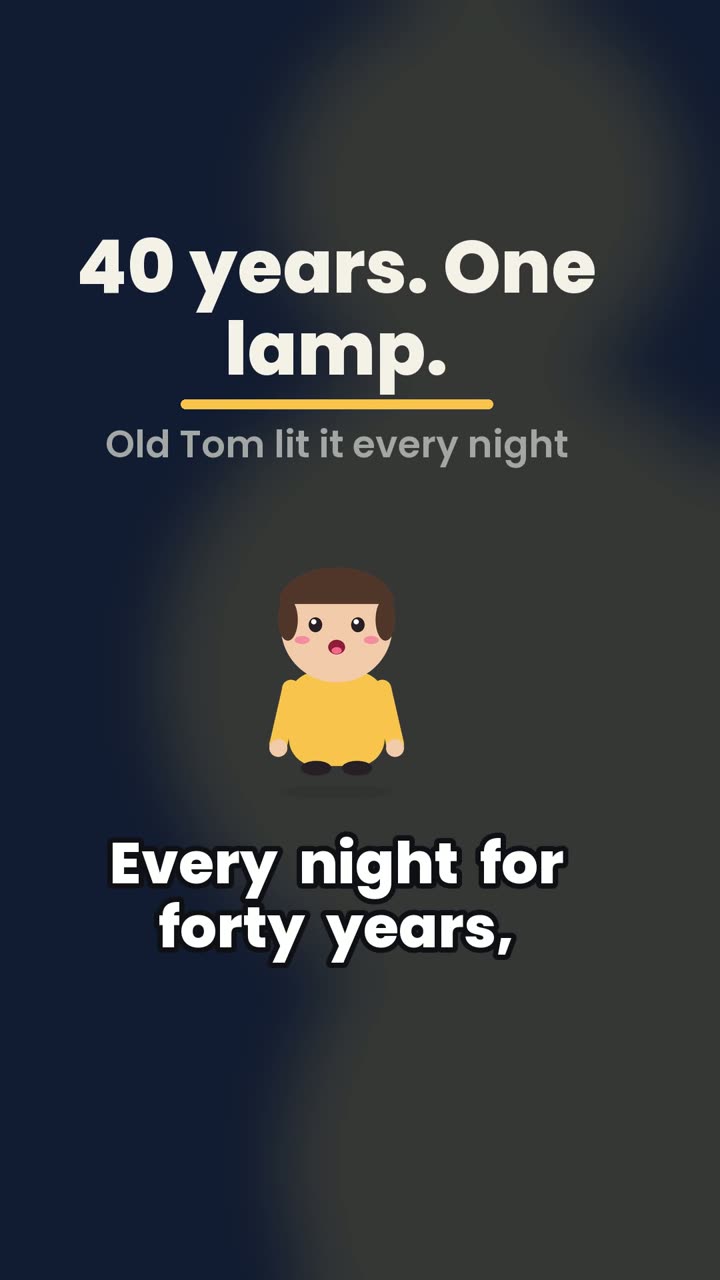
Every reel here was made by the app from the script shown on its page. No hand edits.
Questions
Are the shorts the right size?
Yes: 1080×1920 pixels, 9:16, 30 fps, H.264 video with AAC audio, mastered to -14 LUFS so it sounds even next to other videos in the feed.
Will captions be hidden by the app buttons?
No. Captions and key text stay out of the top 11%, the bottom 22% and the right-hand edge, where TikTok, Reels and Shorts put their buttons and text. You can check your own designs with our free safe zone tool.
How long can a short be?
Between 10 and 90 seconds. YouTube Shorts allows up to 3 minutes, but short scripts keep viewers to the end, which matters more for reach.
Is it free?
Yes, to start. Every new account gets 3 free reels with no card. Free reels carry a small "Made with aiviralreels.com" tag; reels made with paid credits have no watermark. Plans start at $9 a month for 15 reels.
How long does a reel take?
Usually one to three minutes when the queue is empty. The AI plans the storyboard in seconds, and drawing, voicing and encoding take about 28 seconds per 30 seconds of video on our render machine. The progress page shows each step and your queue position.
Which languages does it support?
English for now. Scripts in other languages are not supported yet, because the voice and captions are tuned for English.
Read next
Check where the app buttons and captions cover a 9:16 video. Drop in a frame or design to see it under a safe zone overlay, right in your browser.
How long should a reel be?Current length limits for Instagram Reels, TikTok and YouTube Shorts, why short reels often do better, and how many words fit in 15, 30 and 60 seconds.
Quiz reelsMake quiz reels from a script: options on screen, a countdown, then the reveal. A format that earns comments. See a real quiz reel and its script.