How to turn a story into a cartoon reel
A story that works on a page often fails as a 30-second reel. Here is how to cut it down, write it for scenes and turn it into an animated reel, using two real examples.
By the AI Viral Reels team · Updated
1. Pick a story with one problem
A reel has room for one problem and one turn. "A thirsty crow cannot reach the water" works. A story with three subplots does not, however good it is. If your story has several problems, pick the one with the clearest picture in it, or split it into episodes.
2. Cut it to 60–90 words
Narration in our reels runs at about 2.72 words a second including pauses, so 60 words is about 22 seconds and 90 words about 33. That is the range where most of our story reels land. Cut description first, then dialogue tags ("she said"), then any sentence the ending does not need.
Use the script length calculator to check before you generate.
3. Open with the problem, not the setting
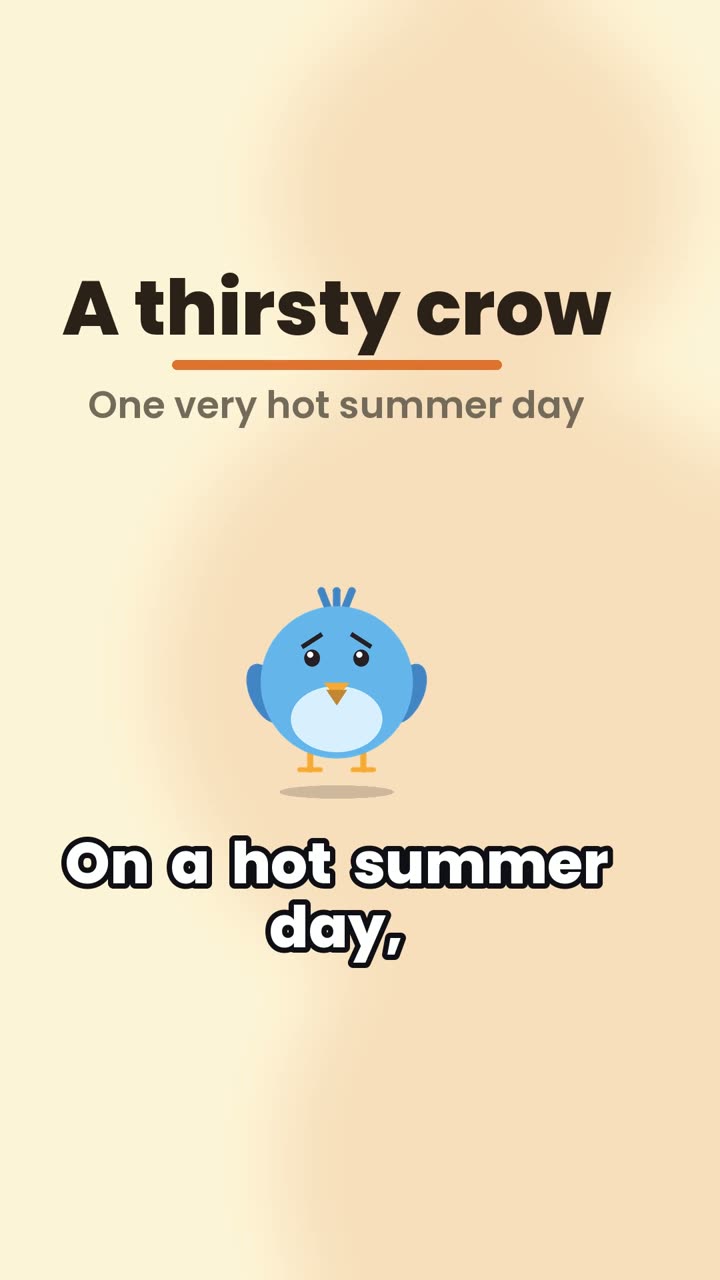
"On a hot summer day, a thirsty crow searched everywhere for water" sets the time, the hero and the problem in one line. Viewers decide in the first two seconds whether to keep watching, so the first sentence has to make them want the second.
4. Write one action per sentence
Each sentence tends to become a scene with its own caption. Compare:
- Hard to stage: "The crow, who had been flying for hours and was very tired, eventually noticed a jug, which had only a little water in it."
- Easy to stage: "At last he found a jug. But the water was far too low for his beak to reach."
5. Put feelings into words
The AI chooses a mood for the character in each scene: happy, sad, shocked, curious or thinking. It can only do that if the feeling is in your text. "She jumped back" gives it shocked; "he did not give up" gives it thinking. In The thirsty crow the bird goes from sad to shocked to thinking to curious to happy, following the words.
6. Choose your character
Use a built-in character (cat, dog, bird, rabbit or person) by naming the animal in the story, or upload your own character image. An uploaded character is cut out once and reused in every scene and every episode, which is what you want for a series.
7. End on the moral or a hook
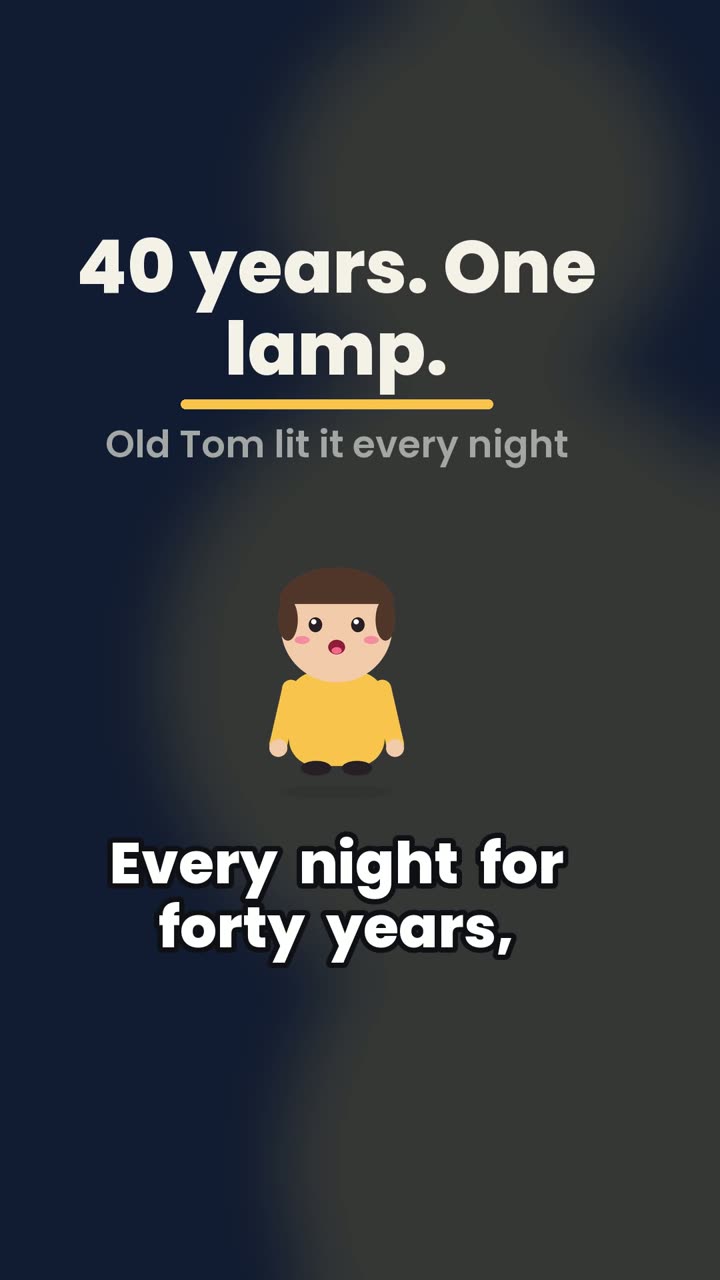
A standalone story ends on its moral in one sentence. A series ends on a question: The last lighthouse keeper ends with "Nobody ever found out who lit the lamp. Part two tomorrow."
8. Generate, watch and adjust the words
Paste the story and generate. Watch it once with the sound off. If a caption is too long to read, shorten that sentence. If a scene feels rushed, give it a second sentence. Then generate again: changing the words is the way to change the reel.
9. Post it natively
Upload the MP4 directly to each app rather than sharing a link. Use the cover image and the suggested caption, and post series episodes at the same time each day so followers know when the next part lands.